Crossplay and cross-platform co-op are confirmed
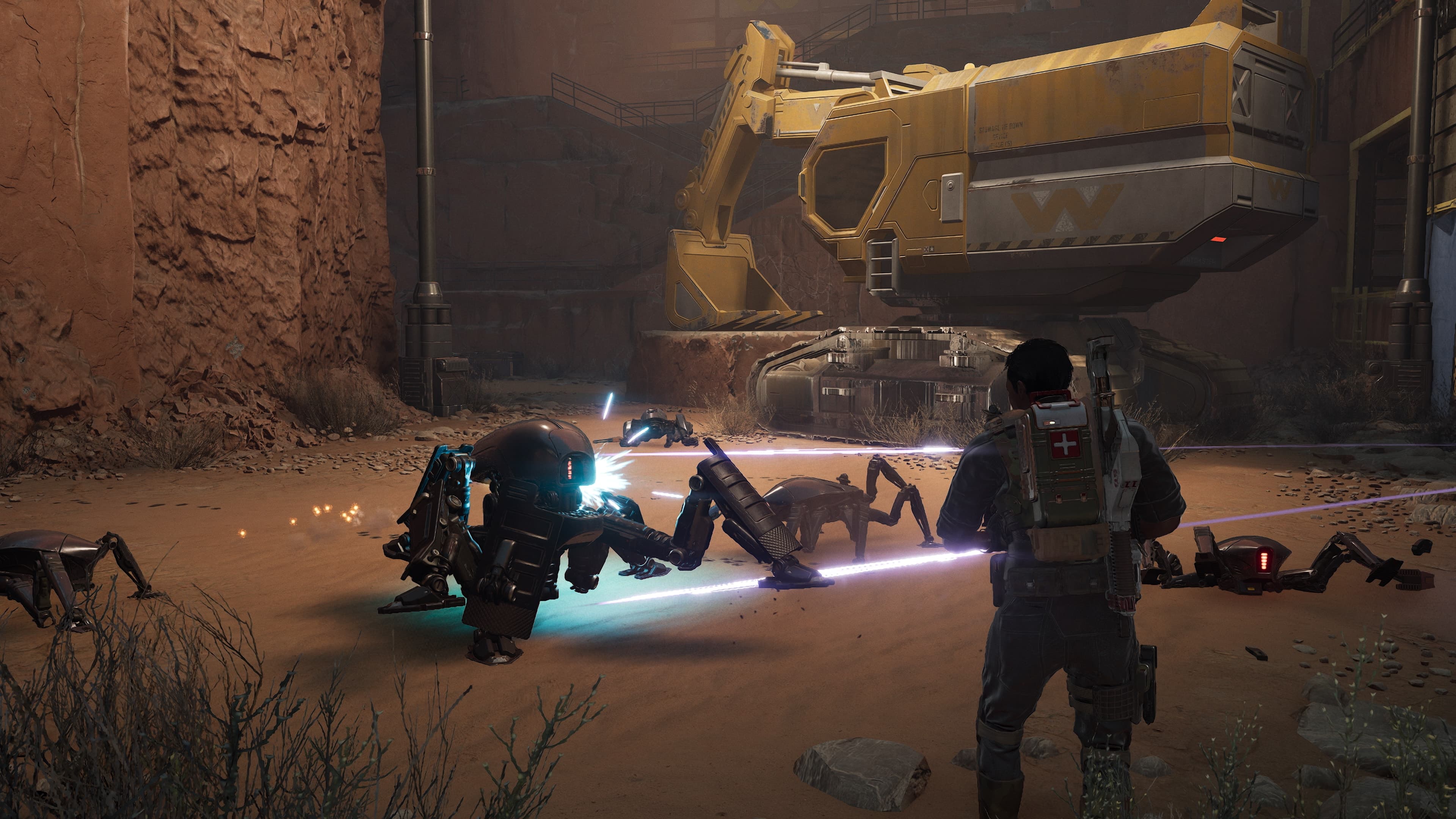
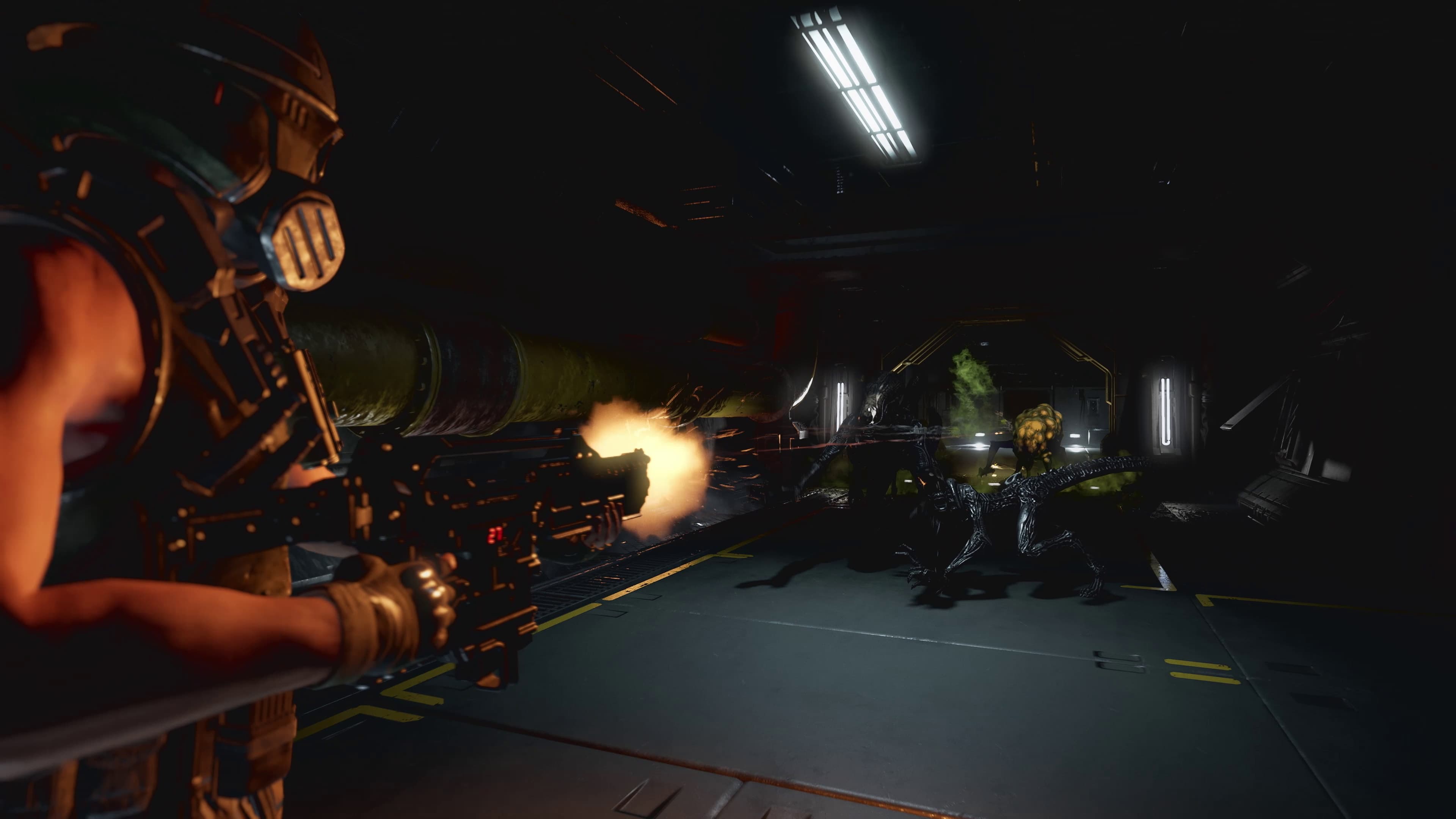
Aliens: Fireteam Elite 2 supports cooperative squads of up to four players. The official game site explicitly confirms cross-platform co-op and cross-platform voice chat, so a squad can be organized around roles rather than requiring every player to own the same system.
The supplied official material does not give a platform-by-platform matchmaking matrix or document every lobby setting. Treat the broad cross-platform feature as confirmed, but use the live in-game interface and official support information for platform-pair or account-linking details not stated by the source.
The official Steam launch announcement explicitly says Steam players can squad with three other Marines from PS5, Xbox or PC. Patch 1 also added region-based matchmaking support to improve connection selection.
What the Xbox storefront confirms
The current Xbox listing supports single-player plus online co-op for two to four players. It also carries Xbox cross-platform multiplayer and cross-platform co-op capability labels, independently reinforcing the official site's cross-platform claim for the Xbox edition.
Xbox console online multiplayer requires an eligible Xbox Game Pass subscription sold separately. That subscription is a console online-play requirement and should not be interpreted as confirmation that the game itself is included in the Game Pass catalog.
Crossplay voice chat and launch-patch context
Cross-platform voice chat is an official feature. The launch patch fixed a problem affecting voice chat between cross-platform friends, which means an old game version can be relevant when a mixed-platform squad can join but cannot hear one another.
The same patch addressed Xbox invite behavior, a host crash and a crash under certain network conditions. Those fixes do not prove every present connection problem has the same cause, but they make installing current updates a sensible first check.
A practical mixed-platform checklist
Before launching a mission, confirm all four copies are updated, form the lobby through the game's current cross-platform interface and test voice chat before committing consumables or Challenge Cards. If the lobby fails, separate invitation trouble from voice-only trouble so the squad can troubleshoot the right layer.
Also plan class coverage and firing lanes before raising difficulty. T-Pose Games recommends choosing classes for needed squad roles, and its loadout guide warns that friendly fire matters more at higher difficulties, particularly with explosives and wide-area weapons.
A practical lobby fault-isolation order
If an invite fails, first update every copy and recreate the lobby. Next, separate an invite failure from a voice-only problem, then try a different host so the squad can distinguish local networking from a platform service issue.
Patch 1 addressed cross-platform friend voice chat, Xbox invites, an Xbox host crash after selecting Play Next Mission and crashes under some network conditions. Those fixes make version parity the first check, not the last.
- Match versions
- Recreate the lobby and change host
- Test gameplay connection and voice chat separately